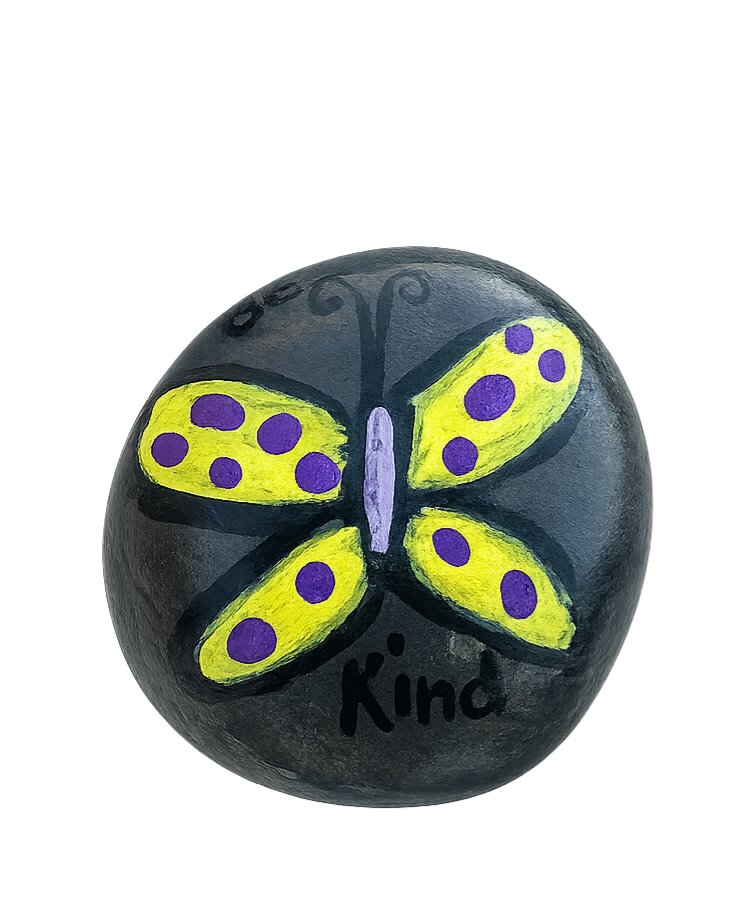
✨ A neighbor registered MR-016 "Be Kind"
Find. Paint. Hide. Track.
✨ A neighbor registered MR-016 "Be Kind"
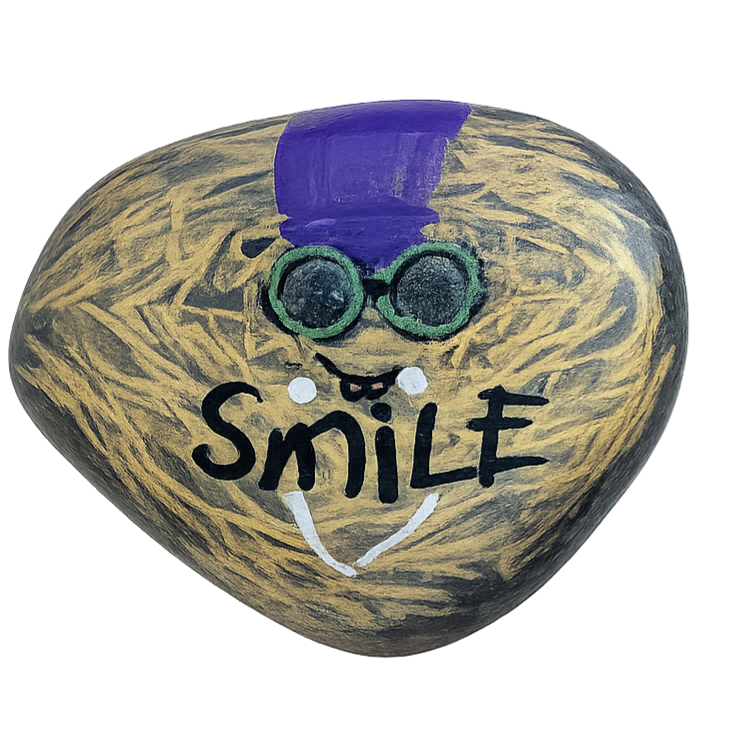
✨ A neighbor registered MR-015 "Smile!"
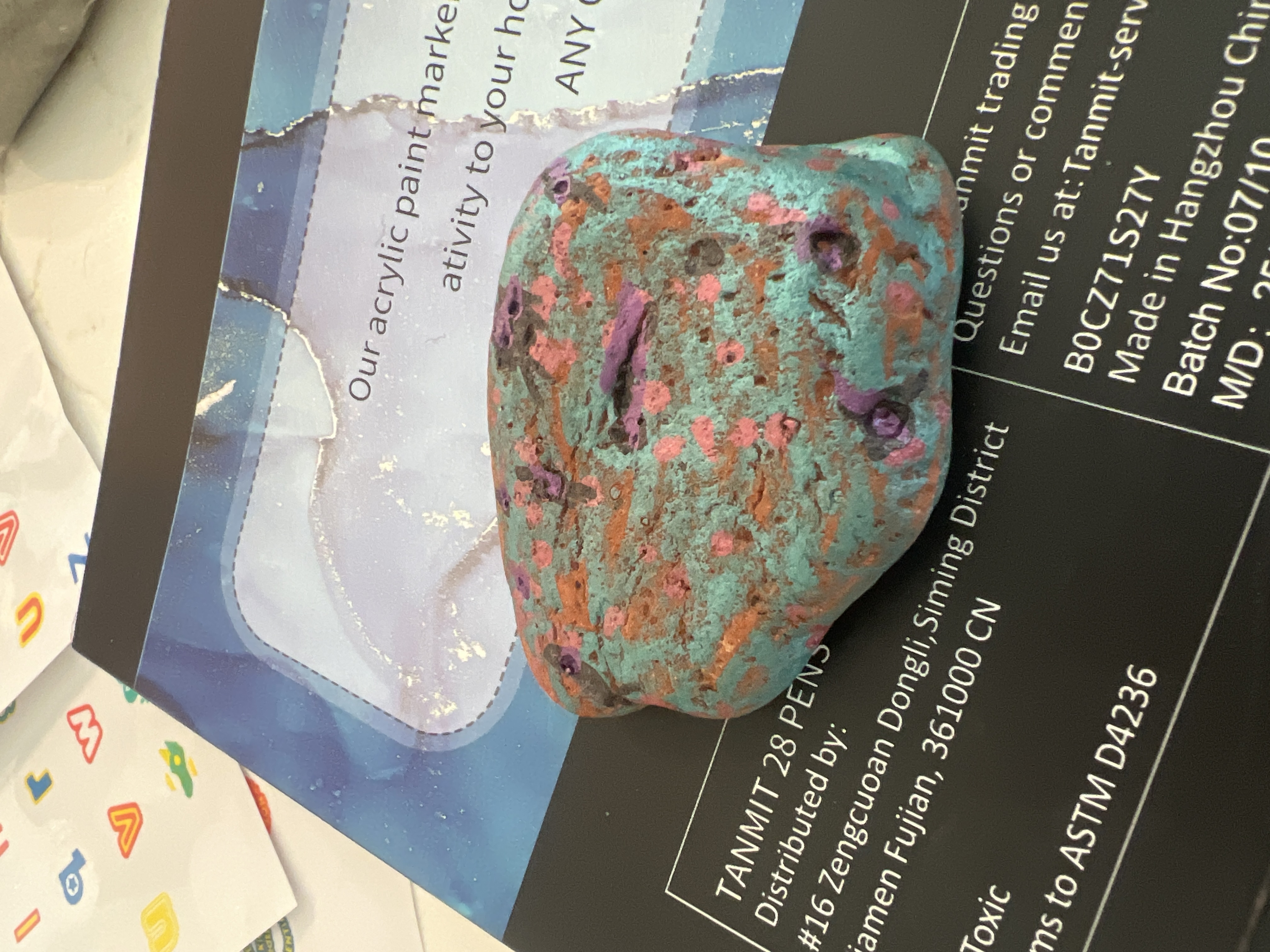
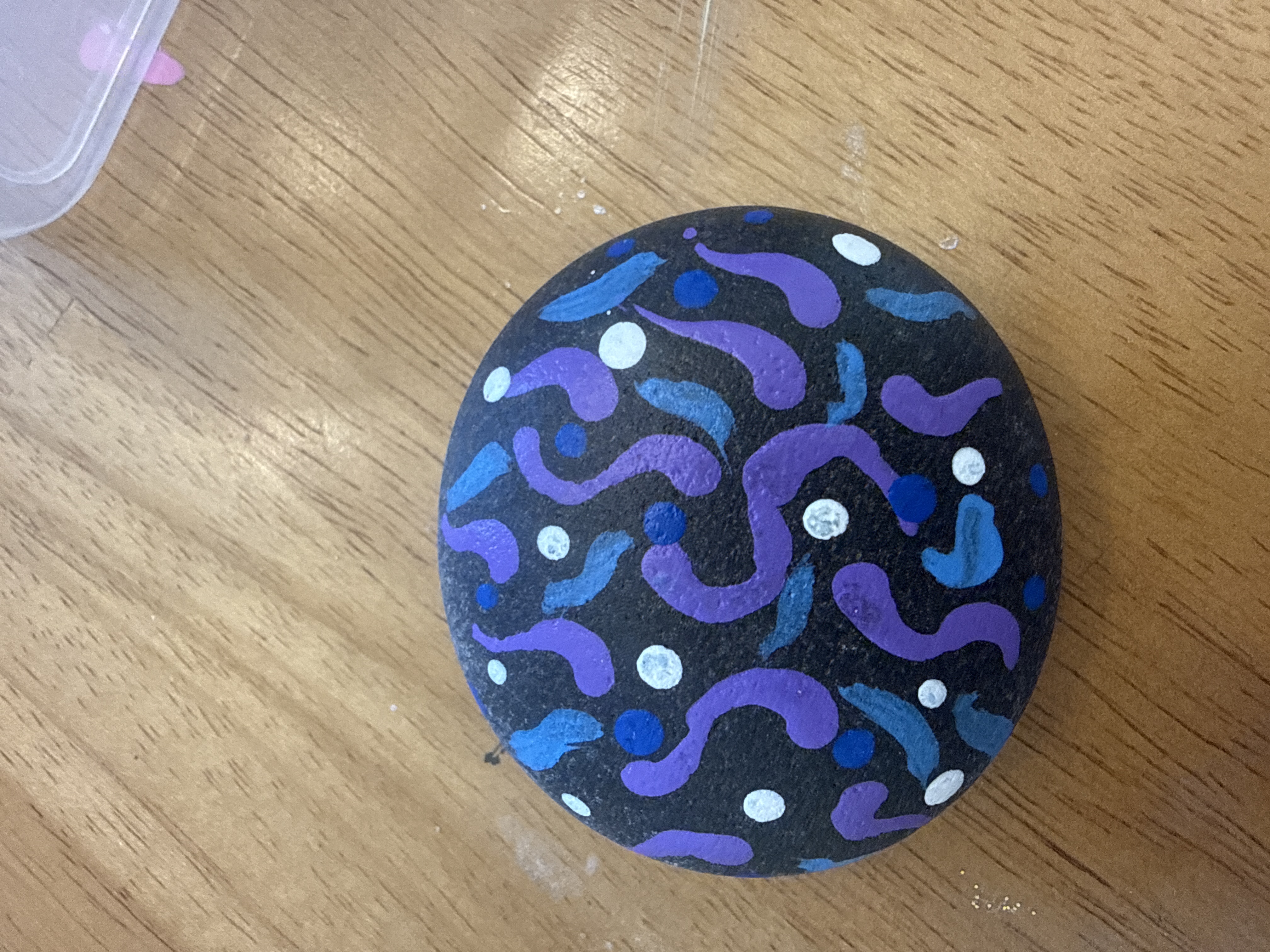
✨ Nashlynn registered MR-014 "Tutti Nutti Alafuttu"
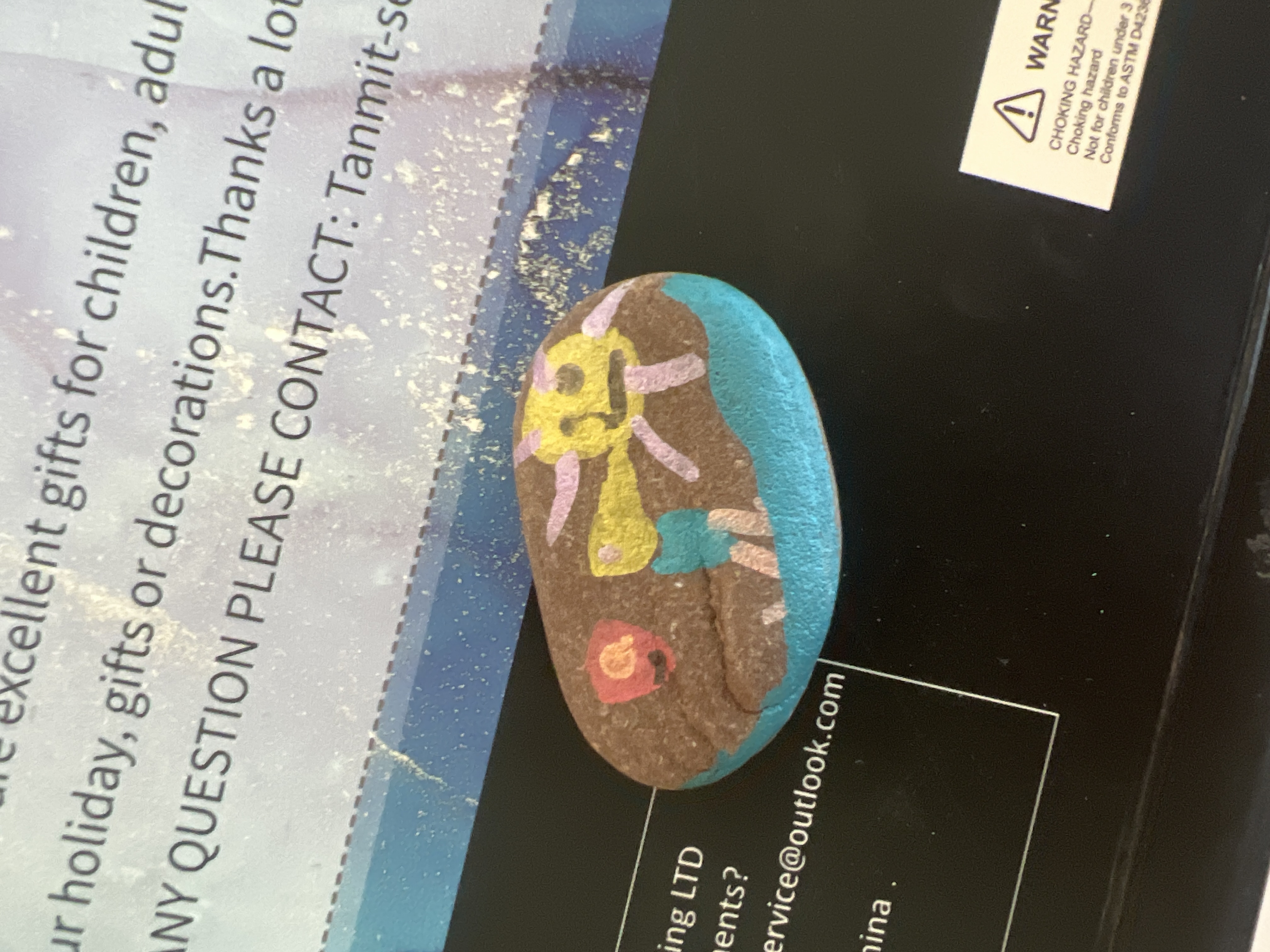
✨ Layne registered MR-013 "Gooseyvaya"
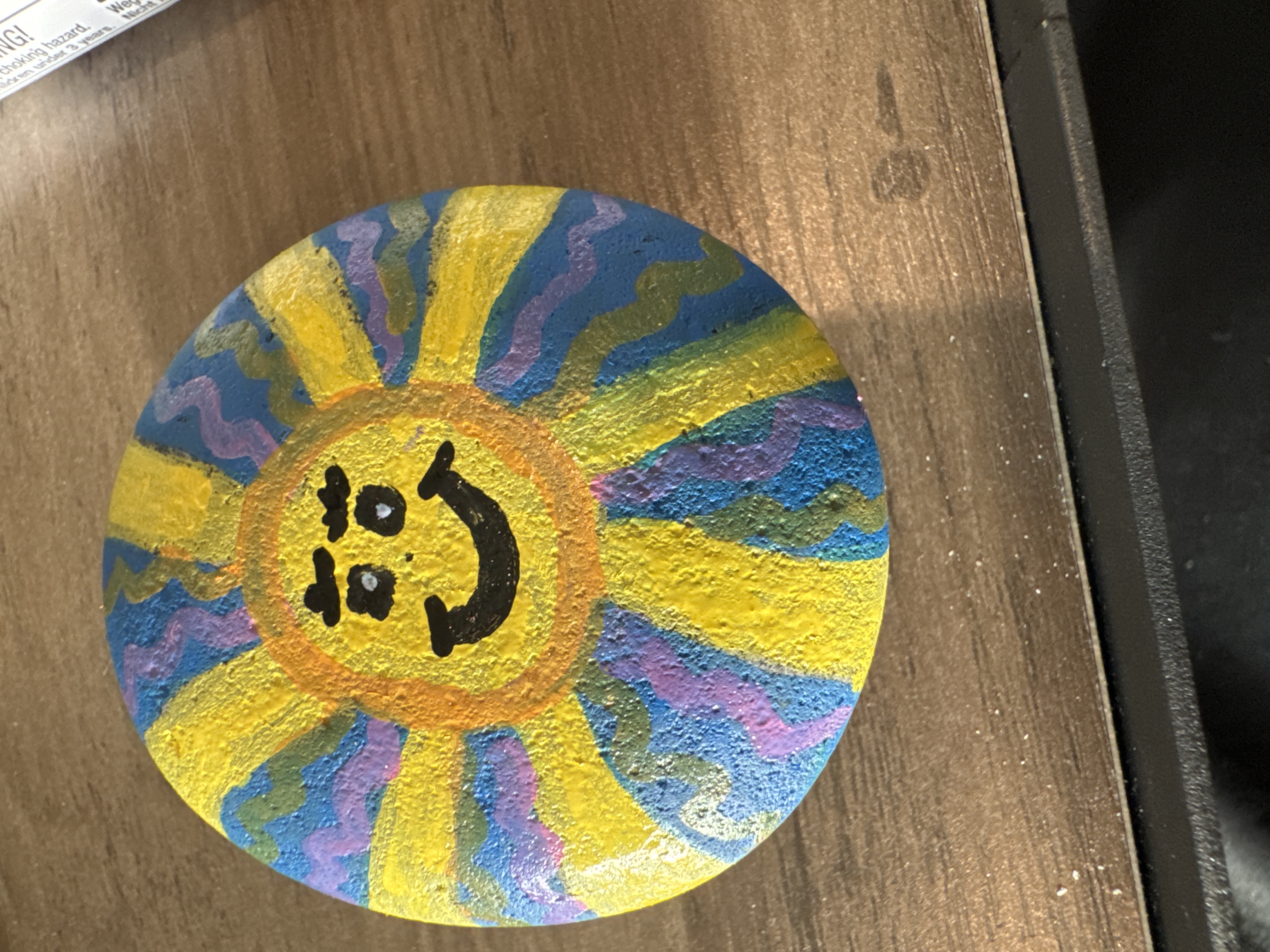
✨ Rocker registered MR-012 "Sun"
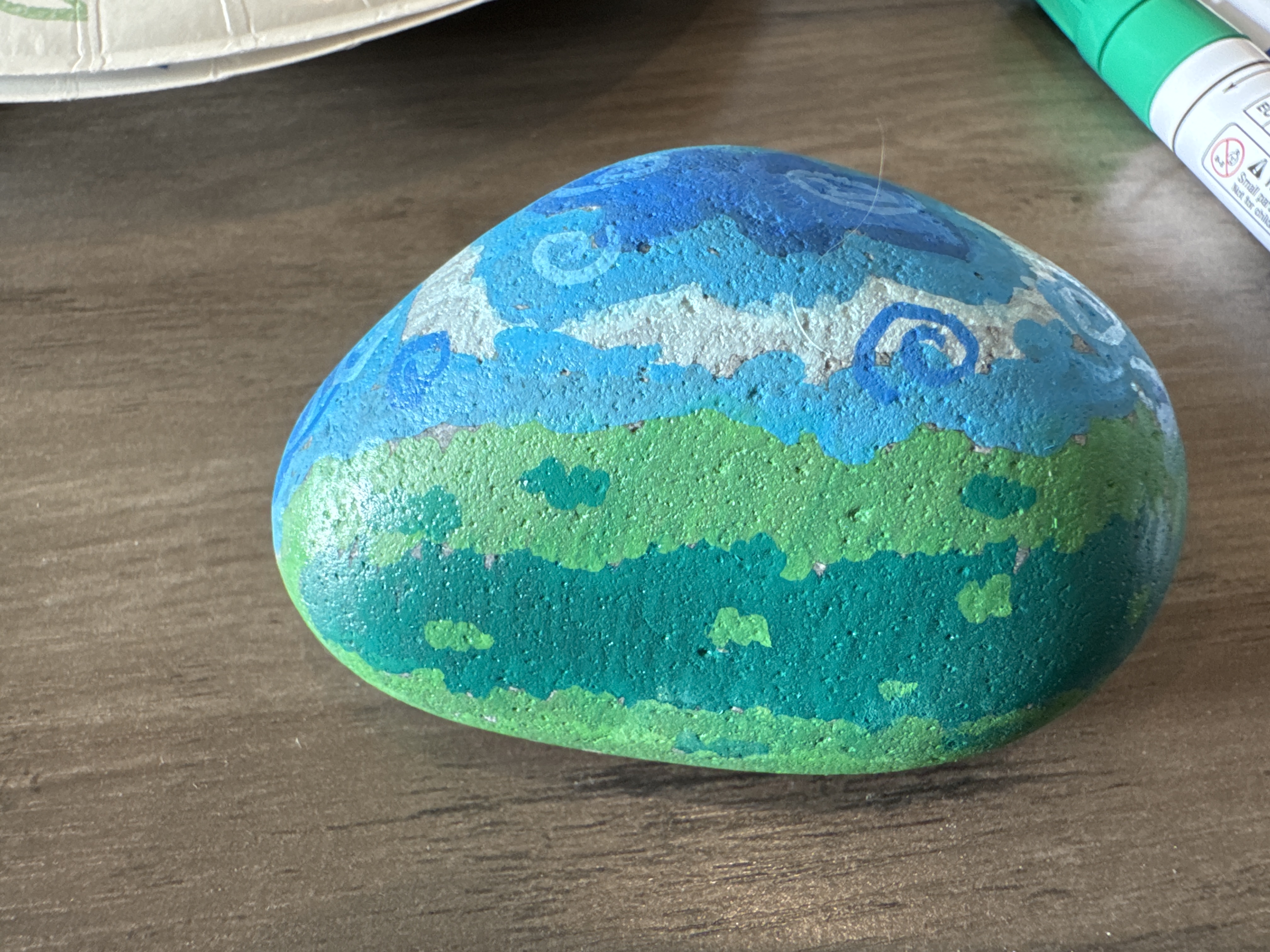
✨ Rocker registered MR-011 "Field and sky"
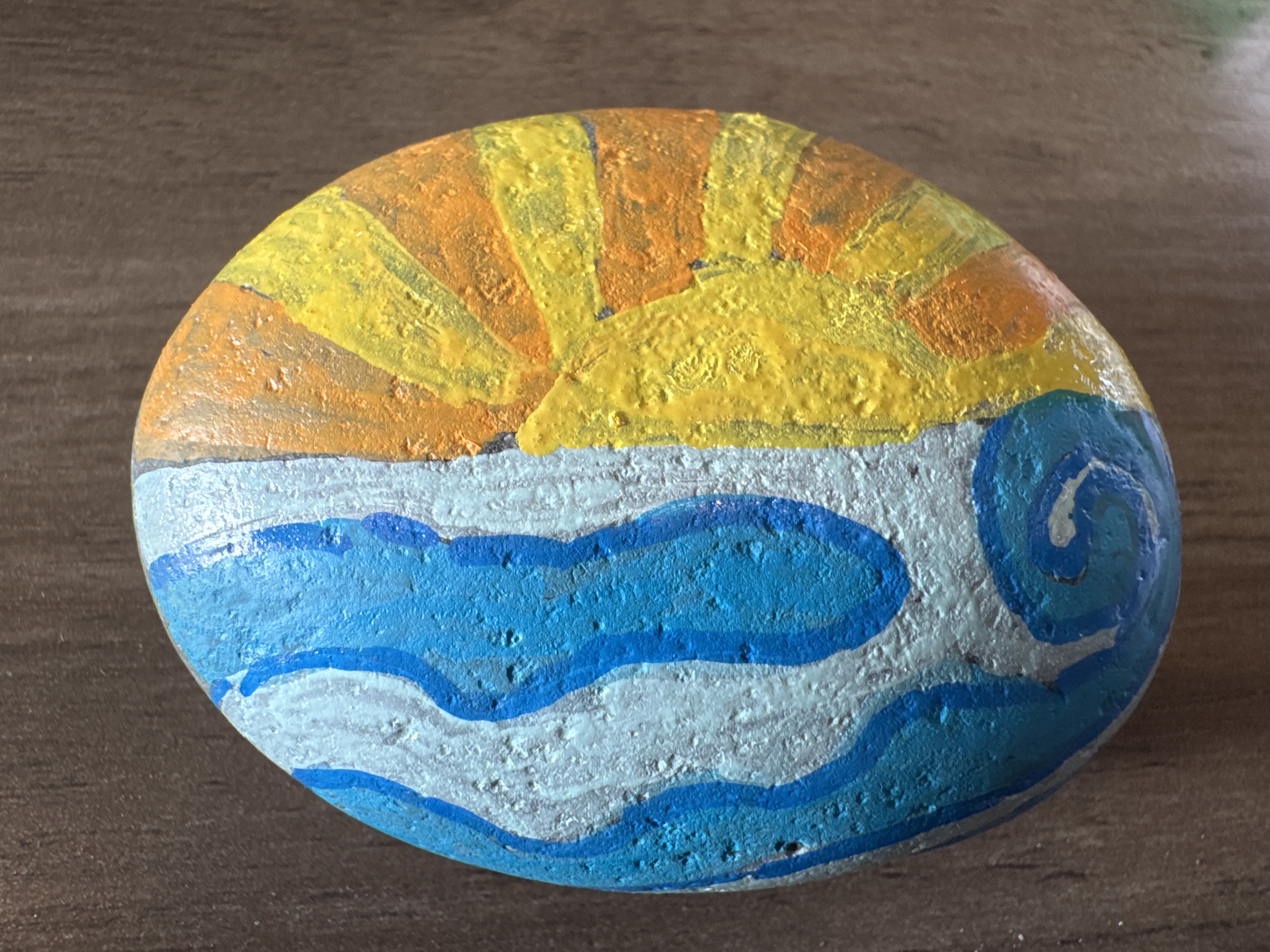
✨ Rocker registered MR-010 "Waves"
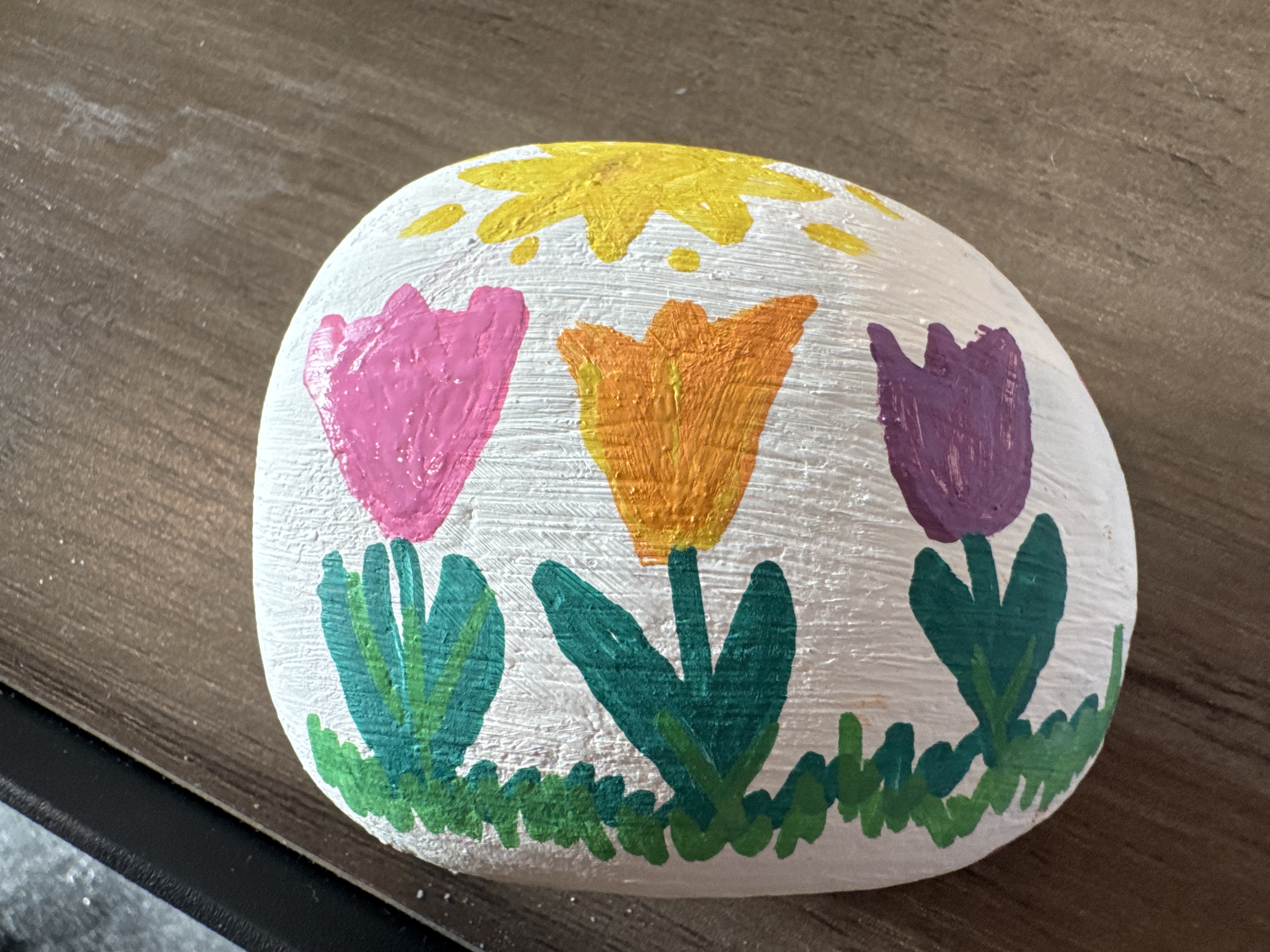
✨ Rocker registered MR-009
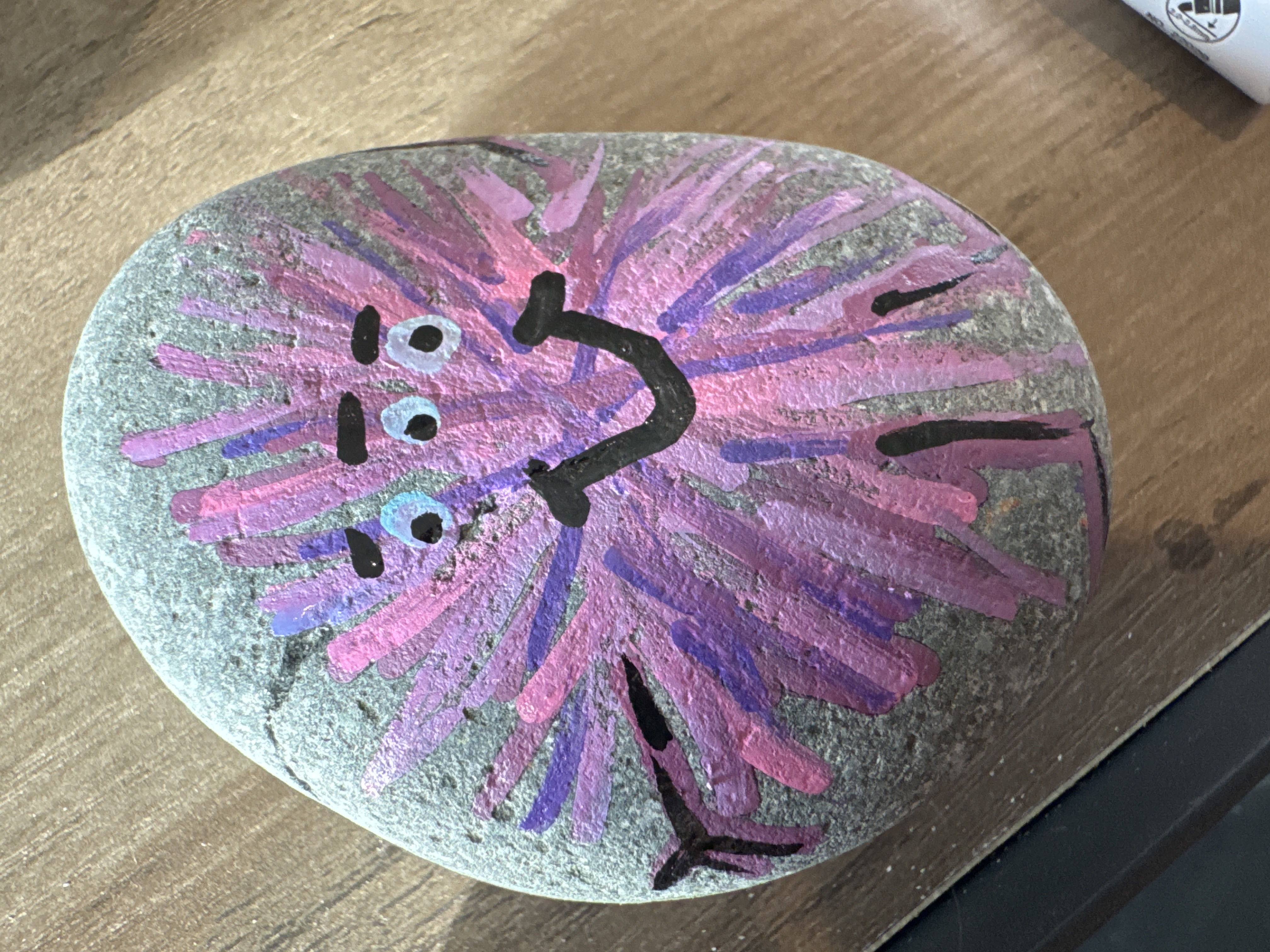
✨ Rocker registered MR-008
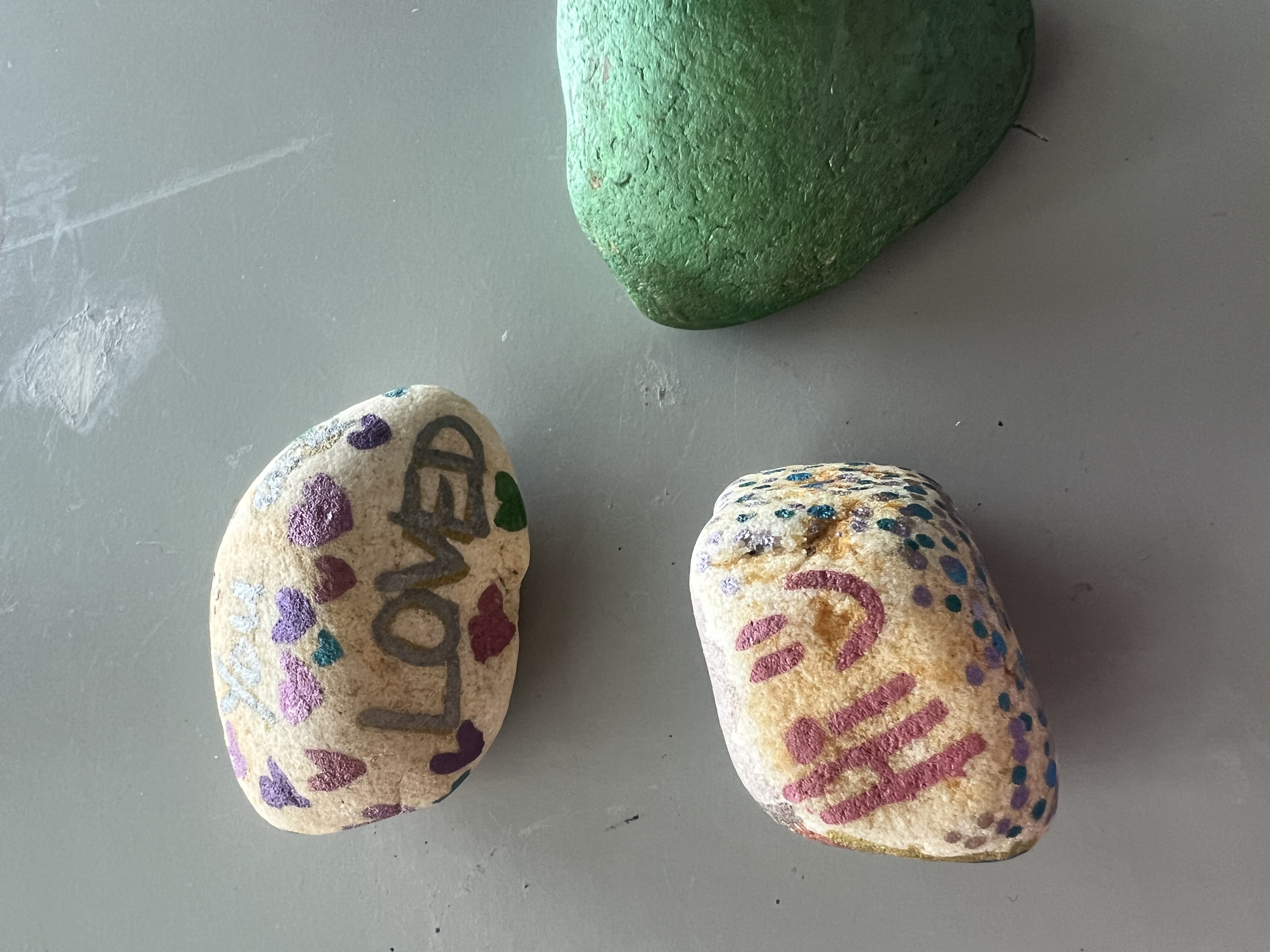
✨ Nashlynn registered MR-007 "Colorful Crush"
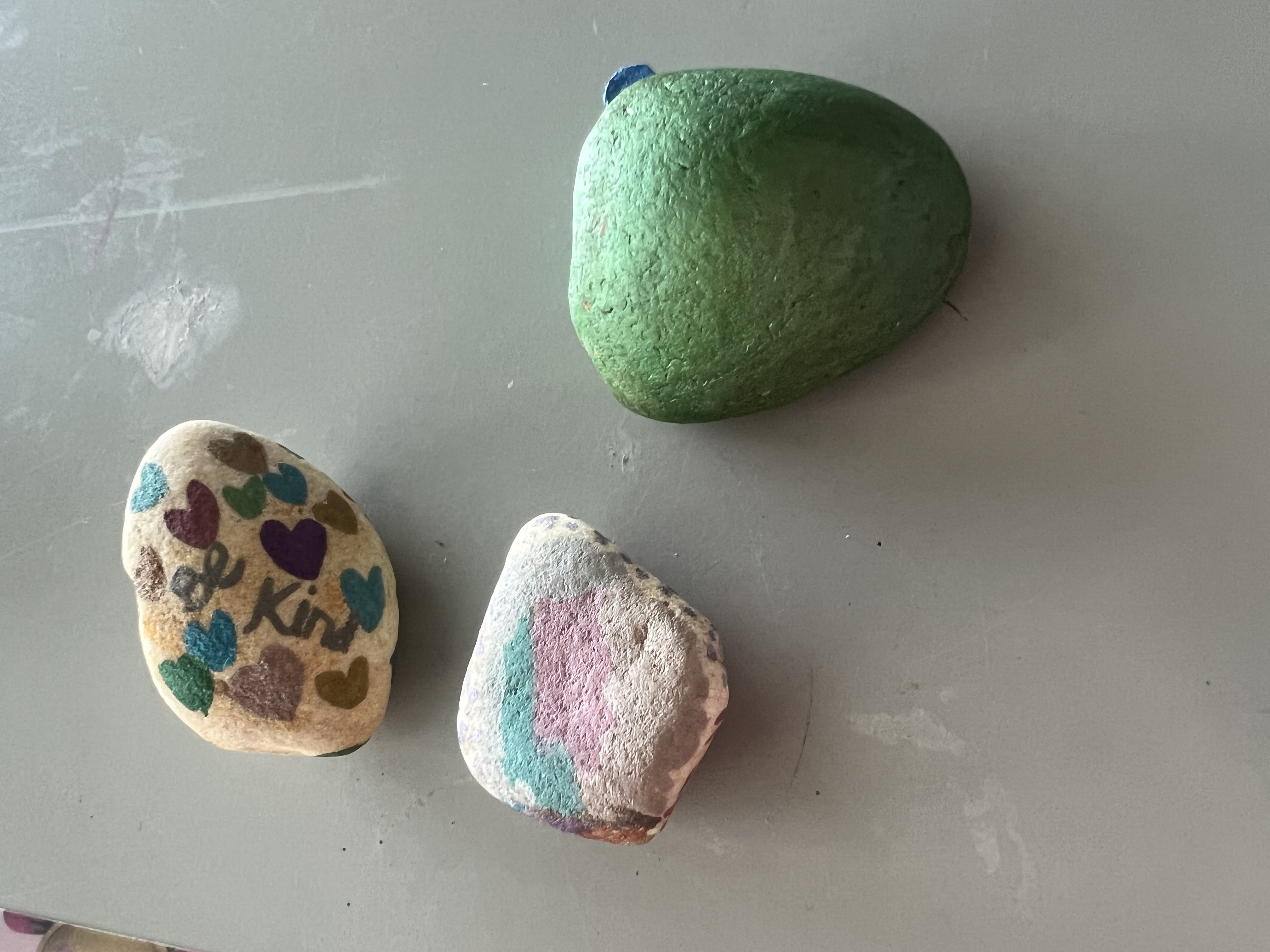
✨ Nashlyn registered MR-006 "Gecko PJ MASKS"
🙈 JJ re-hid MR-003 "The Traveling Middleton Fish"
No leaderboard data yet. Start finding rocks to claim the top spot!
Paint a rock with any design you like. Use acrylic paint and seal it so it survives the outdoors.
Register your rock here to get an MR-ID. Write the ID and hellomiddleton.com/rocks on the back.
Hide it somewhere in Middleton — parks, trails, benches, anywhere public and fun to discover.
When someone finds your rock they log it here, and the journey continues. Every rock tells a story.
Create a free account to start earning points and badges!
| Action | Points |
|---|---|
| Paint & register a new rock | +10 |
| Find a rock | +5 |
| Re-hide a rock | +3 |
| Upload a photo with your find | +2 bonus |
| First person to find any rock | +5 bonus |
| Find the Golden Rock | +50 |
Create a free account to start earning points and badges!
Create a free account to start earning points and badges!
You earn points for painting, finding, and re-hiding rocks. Painting earns the most (+10), finding earns +5, re-hiding earns +3. Bonus for uploading a photo (+2) and being the first to find a rock (+5). Points add to your Hello Middleton trust score.
Badges are achievements unlocked by hitting milestones. Finding your first rock earns "Rock Steady." Harder badges like "Rock Legend" (find 50) take more time. Badges appear on your profile.
Register it! Click "Register a Rock," upload a photo, and we'll assign an MR number. Now it's trackable.
Absolutely. Select "I'm keeping this one" when logging your find. You still earn find points.
A special gold-painted rock worth +50 points and the exclusive "Golden Hunter" badge. Follow Hello Middleton for hints.
You can log finds as a guest, but an account lets you earn points, appear on the leaderboard, and collect badges.
Click "Register a Rock," upload a photo, and you'll get an MR-ID. Write the ID and hellomiddleton.com/rocks on the back, then hide it!
Every rock gets a QR code linking to its journey page. Print it and attach to your rock so finders can scan and log instantly.
Optional but recommended. At minimum, paint the MR-ID and hellomiddleton.com/rocks on the back.
Open your phone camera and point at the QR code. Tap the link notification to see the rock's journey.
Public, safe, surprising — park benches, trail markers, library steps. Avoid private property. If a kid could safely find it, it's a good spot.
Ranked by total points. Updates in real time. You need an account to appear on it.
Yes! Designed as family-friendly. All designs should be appropriate for all ages.
Create a free account to start earning points and badges!